


New: Mobile App Widgets Posted by meaghan on Oct 20, 2025 in For Learners, For Libraries, Learning Feature Updates
The best language learning app is the one you actually use consistently.
Sometimes you just need a reminder to use it.
Introducing: home screen widgets for iOS and Android. 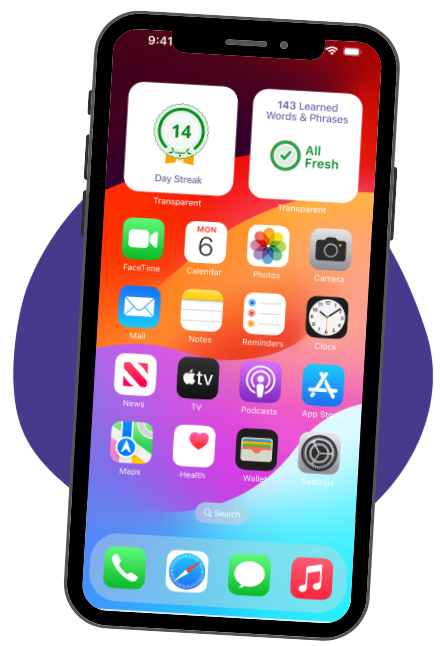
Learners can now add two widgets to their phone’s home screen to get little reminders to log in to the Transparent Language Online app and keep learning every day.
- Personal Goal widget: Learners can track their daily learning streak. If they haven’t met their daily learning goal yet, they’ll see how many minutes they need to study to keep their streak alive.
- Learned Vocab widget: Learners can stay on top of all the vocabulary they’ve learned. They’ll see how many words and phrases they’ve learned, and how many need to be refreshed to ensure they’ll remember them long-term.
Learners can add these to their home screen the same way they add any widget: tap and hold the home screen. On iOS, select Edit, then Add Widget. On Android, select Widgets.
Stay on top of your language goals with the Transparent Language Online app. Download now from the Apple app store or Google Play store to start learning today!
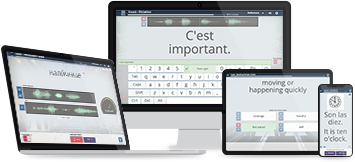
Build vocabulary, practice pronunciation, and more with Transparent Language Online. Available anytime, anywhere, on any device.


About the Author: meaghan
Meaghan is the Marketing Communications Manager at Transparent Language. She speaks enough French and Spanish to survive, and remembers enough Hausa to say "Hello my name is Meaghan, I'm studying Hausa." (But sadly that's it).
Leave a comment: